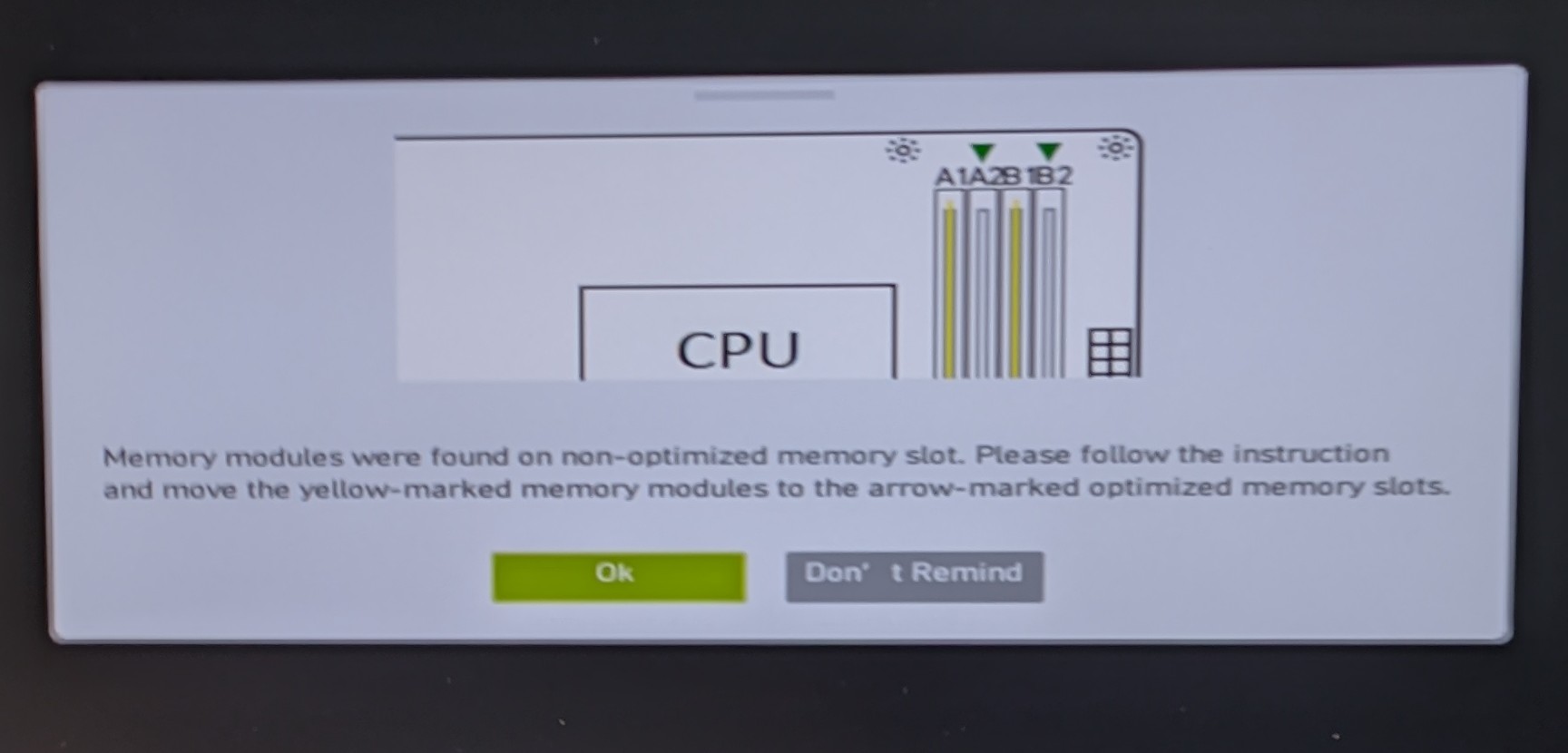
I got this warning after booting my new PC build. “Memory modules were found on non-optimized memory slot. Please follow instructions and move the yellow-marked memory modules to the arrow-marked optimized memory slots.”
This warning shows for a few seconds and boots, what should i do?
You will feel a performance difference due to the way dual channel memory works. For dual channel configuration to work properly you should put your RAM stick in any of the 3 ways.
[ul]
[li]For two sticks of RAM then put it in slots 1 & 3 or slots 2 &4.[/li][li]For three RAM sticks put them in 1, 2 & 3.[/li][li]If you have 4 sticks of RAM then it doesn’t matter putt them in any order .[/li][/ul]
 .[/li][/ul]